Blink Outdoor (3rd Gen) Review: Weather-Resistant Smart Security Camera for 2026
Evaluate the Blink Outdoor (3rd Gen) for weather-resistant security, two-year battery life, and Alexa integration. Compare pros, cons, and compatibility for 2026.

The Importance of Choosing the Right Smart Home Security Device
In 2026, the demand for reliable, user-friendly smart home security solutions has surged as homeowners prioritize convenience, cost-effectiveness, and seamless integration with existing ecosystems. The Blink Outdoor (3rd Gen) represents a compelling option for those seeking a wireless, weather-resistant security camera that balances affordability with essential features. Designed for both residential and small-commercial use, this device caters to a broad range of users, including busy professionals, families with limited technical expertise, and renters looking for flexible security options. Its key strengths—such as two-year battery life, cloud storage compatibility, and minimal setup requirements—make it particularly appealing to users who value low maintenance and ease of use. However, its limitations, such as reliance on subscription services and limited local storage options, may deter those prioritizing long-term cost efficiency or data sovereignty. Understanding these trade-offs is critical for buyers aiming to align the device’s capabilities with their specific security needs and lifestyle requirements.
Quick Overview
| Feature | Details |
|---|---|
| Device Category | Wireless HD security camera |
| Core Features | Infrared night vision, motion detection, cloud storage |
| Voice Assistant Support | Alexa integration |
| Connectivity | Wi-Fi, USB flash drive compatibility |
| Supported Ecosystems | Amazon Alexa, Blink app |
| Intended Users | Homeowners, renters, small businesses |
| Warranty Coverage | Limited warranty with refurbished device |
The Blink Outdoor (3rd Gen) combines essential security functionality with a design optimized for minimal user intervention. Its two-year battery life and wireless setup reduce the need for frequent maintenance, making it ideal for users who prioritize simplicity. However, its reliance on cloud storage and subscription services may raise concerns for those seeking more control over data retention and long-term costs.
Battery Life and Power Efficiency
Long-Lasting Battery Performance
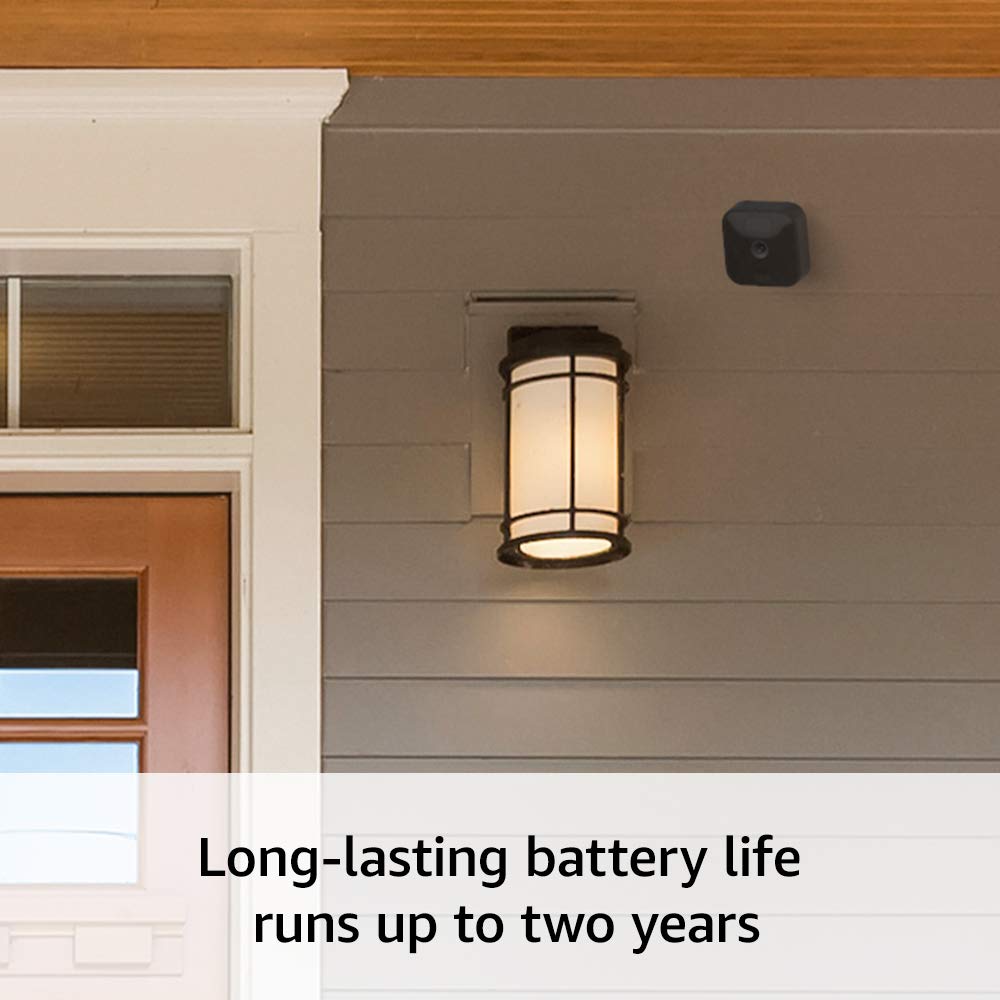
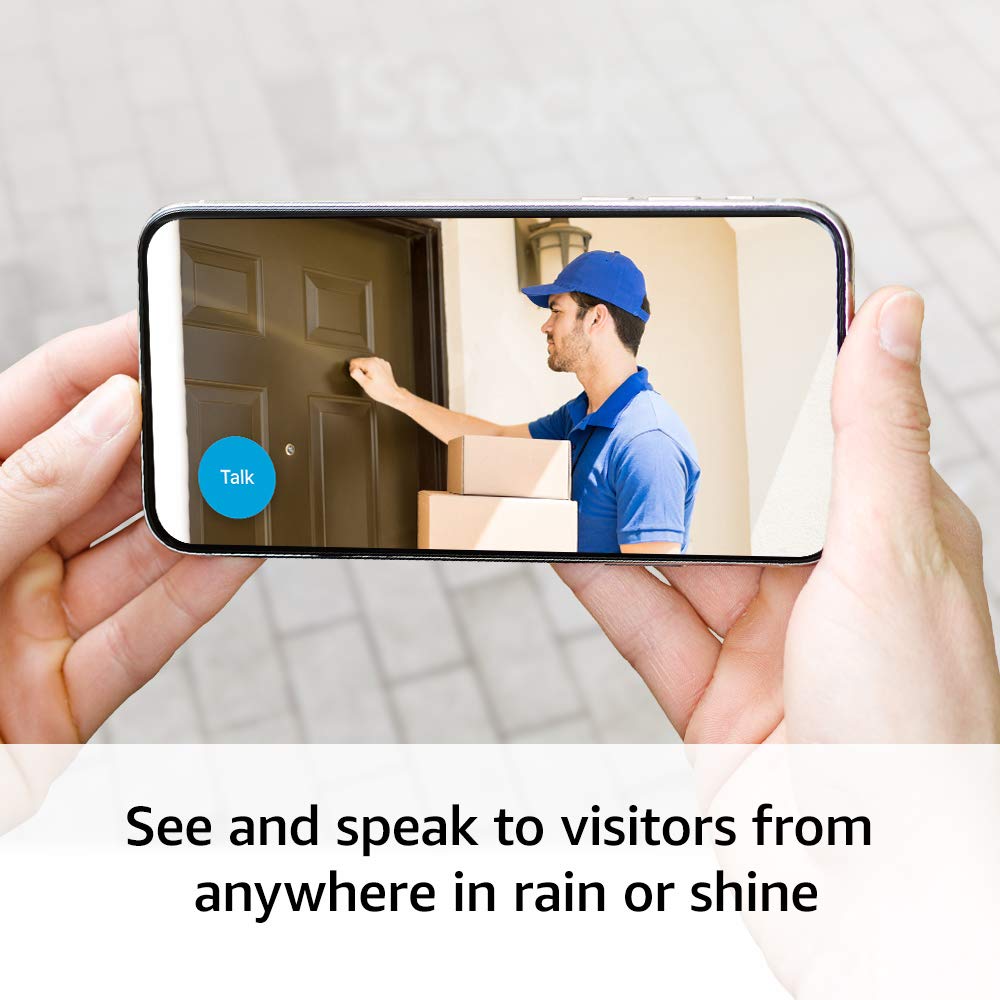
The Blink Outdoor (3rd Gen) is engineered to operate for up to two years on two AA lithium batteries, a critical advantage for users seeking minimal maintenance. This extended battery life reduces the frequency of battery replacements, which is particularly beneficial for homeowners with limited access to maintenance resources. The device’s power efficiency is achieved through advanced low-power modes that activate during periods of inactivity, ensuring consistent performance without excessive energy consumption.
Minimal Maintenance Requirements
Unlike traditional wired security cameras, the Blink Outdoor (3rd Gen) eliminates the need for professional installation or ongoing wiring upkeep. The absence of physical connections means users can place the camera in optimal locations without worrying about cable management or electrical infrastructure. This flexibility is especially valuable for renters or temporary users who may not have the ability to modify their living spaces. The device’s self-sustaining power system further simplifies long-term ownership, reducing the likelihood of service interruptions due to battery failures.
Ecosystem Integration and Compatibility
Seamless Alexa and Blink App Integration
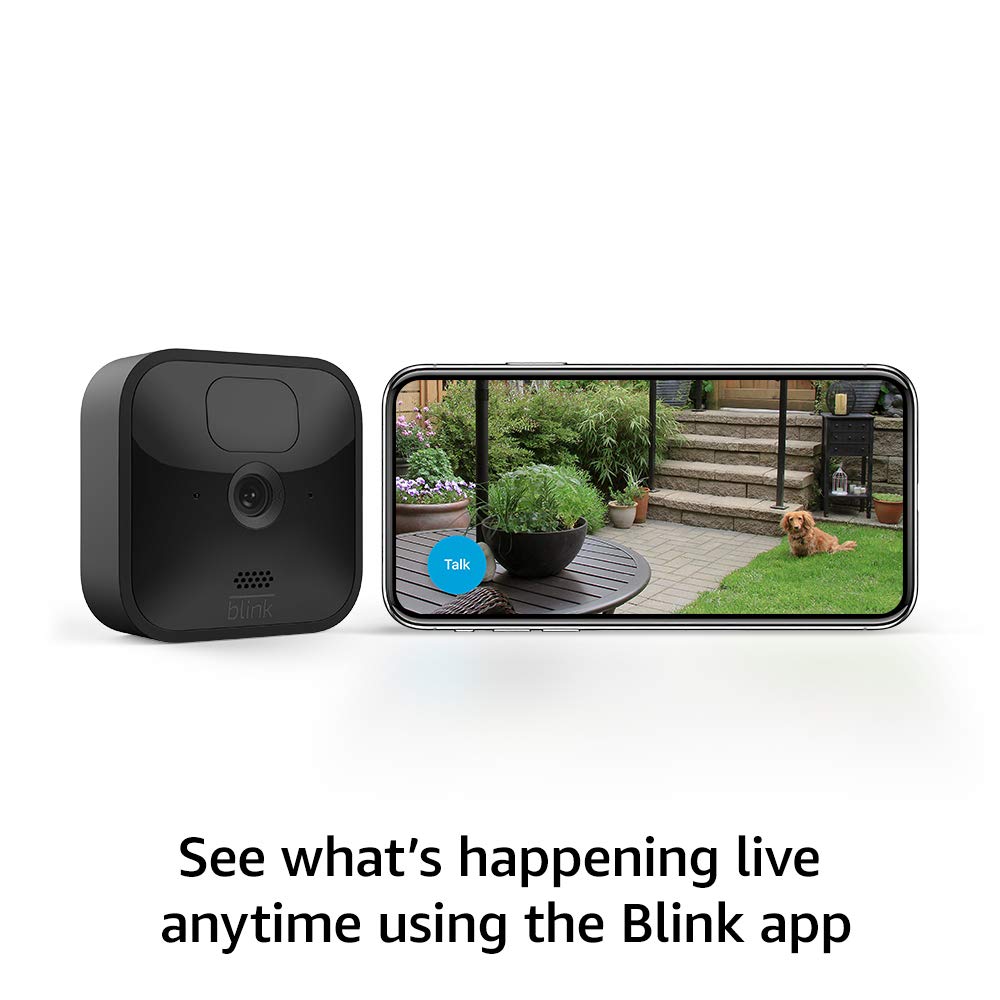
The Blink Outdoor (3rd Gen) is designed to work seamlessly within the Amazon Alexa ecosystem, allowing users to control and monitor their security cameras through voice commands or the Blink Home Monitor app. This integration enables features such as remote access, motion detection alerts, and customizable motion zones, which enhance the device’s utility for both residential and commercial applications. The Alexa compatibility also allows users to integrate the camera with other smart home devices, such as doorbells or lights, creating a cohesive security network.
Cross-Platform Compatibility Challenges
While the Blink Outdoor (3rd Gen) supports integration with Amazon Alexa and the Blink app, its compatibility with other smart home platforms is limited. Users who rely on ecosystems like Google Nest or Apple HomeKit may encounter challenges in synchronizing the camera with their existing devices. This limitation is significant for users seeking a unified smart home experience, as it restricts the device’s ability to function as part of a broader automation strategy. However, the device’s focus on Amazon-centric integration ensures a streamlined experience for users already invested in the Alexa ecosystem.
Privacy and Security Considerations
Data Storage and Cloud Dependency
The Blink Outdoor (3rd Gen) requires a subscription to Blink’s cloud storage service to retain video clips and photos, which raises concerns about data ownership and long-term costs. While the device allows for local storage via a USB flash drive, this option is not included in the purchase and requires additional investment. Users who prioritize data sovereignty may find this dependency on cloud storage less appealing, as it introduces potential risks related to service interruptions or data access restrictions.
Security Vulnerabilities and Mitigation
As a wireless device, the Blink Outdoor (3rd Gen) is susceptible to common cybersecurity threats such as unauthorized access or data breaches. However, the manufacturer has implemented standard security measures, including encryption for data transmission and secure login protocols for the Blink app. While these features provide a baseline level of protection, users should remain cautious about granting broad permissions to third-party apps and ensure their network is protected with strong passwords and updated firmware.
Setup and Usability

Rapid Deployment Without Technical Expertise
The Blink Outdoor (3rd Gen) is designed for users who want to install their security camera with minimal effort. The setup process involves simply placing the camera in a desired location, connecting it to a Wi-Fi network, and configuring motion detection settings through the Blink app. This simplicity makes it an excellent choice for users with limited technical knowledge or those who prefer a hands-off approach to home security.
Customization Options for Enhanced Control
While the setup process is straightforward, the device offers several customization options to tailor its functionality to specific needs. Users can define motion zones to reduce false alerts, adjust sensitivity settings for different environments, and receive notifications via the Blink app. These features provide a balance between ease of use and flexibility, allowing users to fine-tune the camera’s performance without requiring advanced technical skills.
Pros & Cons
Pros
- Two-Year Battery Life: Reduces maintenance needs and ensures long-term reliability.
- Wireless Setup: Eliminates the need for professional installation or wiring.
- Alexa Integration: Enables voice-controlled monitoring and smart home automation.
- Infrared Night Vision: Provides clear visibility in low-light conditions without external lighting.
- Customizable Motion Zones: Allows users to focus alerts on specific areas of interest.
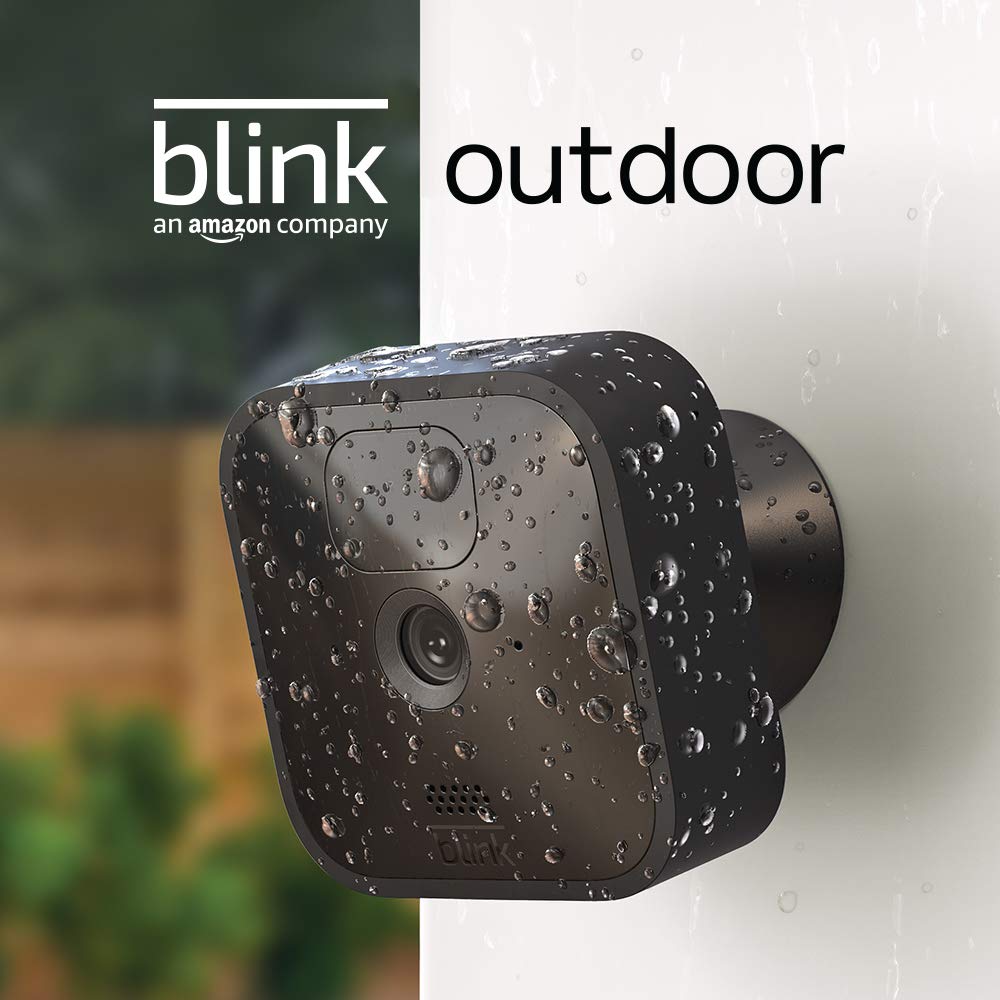
- Weather-Resistant Design: Suitable for both indoor and outdoor use in varied conditions.
Cons
- Cloud Storage Dependency: Requires a subscription for full functionality, increasing long-term costs.
- Limited Local Storage Options: USB flash drive compatibility is an optional add-on, not included with purchase.
- Ecosystem Limitations: Compatibility with non-Amazon platforms is restricted, limiting integration flexibility.
- Subscription Model Risks: Potential for service interruptions or data access issues if cloud services change.
- No Physical Keypad: Relies entirely on the Blink app for configuration, which may be inconvenient for some users.
Final Verdict: Who This Device Is Best For (and Who Should Skip It)
The Blink Outdoor (3rd Gen) is best suited for users who prioritize simplicity, minimal maintenance, and seamless integration with Amazon Alexa. Homeowners with limited technical expertise, renters seeking flexible security solutions, and small businesses looking for cost-effective monitoring options will find this device particularly appealing. Its two-year battery life and wireless design make it an ideal choice for those who want to avoid the complexities of wired systems or ongoing maintenance.
However, users who require advanced customization, prefer local storage solutions, or rely on non-Amazon smart home ecosystems should consider alternatives. The device’s reliance on cloud storage and subscription services may also deter those seeking long-term cost efficiency or data sovereignty. For buyers prioritizing control over their security data and integration flexibility, the Blink Outdoor (3rd Gen) may not be the optimal choice in 2026.
Frequently Asked Questions (FAQs)
How long does the Blink Outdoor (3rd Gen) battery last?
The Blink Outdoor (3rd Gen) is designed to operate for up to two years on two AA lithium batteries, reducing the need for frequent replacements and maintenance.
Can the Blink Outdoor (3rd Gen) be used indoors and outdoors?
Yes, the Blink Outdoor (3rd Gen) is built to withstand various weather conditions, making it suitable for both indoor and outdoor use in 2026.
Does the Blink Outdoor (3rd Gen) require a subscription for full functionality?
Yes, the device requires a Blink subscription for cloud storage of video clips and photos. Local storage via USB flash drive is an optional add-on.
How easy is it to set up the Blink Outdoor (3rd Gen) camera?
The Blink Outdoor (3rd Gen) can be set up in minutes using the Blink app, with no wiring or professional installation required for optimal functionality.
Can the Blink Outdoor (3rd Gen) integrate with devices other than Amazon Alexa?
The Blink Outdoor (3rd Gen) is primarily designed for integration with Amazon Alexa and the Blink app. Compatibility with other smart home ecosystems is limited.
What are the privacy considerations for using the Blink Outdoor (3rd Gen)?
The Blink Outdoor (3rd Gen) requires cloud storage for video retention, which may raise concerns about data ownership. Local storage via USB flash drive is an optional alternative.
Is the Blink Outdoor (3rd Gen) suitable for renters?
Yes, the Blink Outdoor (3rd Gen) is an ideal choice for renters due to its wireless design, minimal maintenance requirements, and lack of need for permanent installation.
Can the Blink Outdoor (3rd Gen) be customized for specific motion detection areas?
Yes, users can customize motion zones in the Blink app to focus alerts on specific areas, reducing false notifications and improving usability.