
Tablets and e-readers: screen, storage, battery hours, and the kids edition
A tablet is a screen with a battery and an app store; an e-reader is a screen you can read in the sun for weeks on a charge. Their specification sheets share most lines and differ on the two that matter: what kind of screen, and which store the apps come from.
What the category is
Fire tablets (7, HD 8, HD 10, Max 11) run Amazon’s store and are the cheapest tablets that work; their Kids editions add a case, a two-year replacement guarantee and a year of Kids+. iPads and Android tablets (Samsung, Lenovo and smaller brands) run the full stores. E-readers — Kindle, Kobo — use an e-ink screen that is readable outdoors, lasts weeks, and does nothing but books.
How to read the spec sheet
Screen: size in inches, resolution, and type. A 7-inch 1024 by 600 screen is a child’s video player; a 10-inch 1920 by 1200 is a reading and video tablet; e-ink at 300 ppi is a page. Brightness in nits, where stated, is the sunlight figure.
Store and OS: Amazon’s Appstore has no Google apps unless you sideload; Android and iPadOS have everything. This line decides what the tablet is for more than any other.
Storage and RAM: 16 or 32 GB with a microSD slot on Fire tablets; 64 GB and up without a slot on iPads. 2 GB of RAM is a one-app-at-a-time tablet; 4 GB and up multitasks.
Battery in hours of stated use — 10 to 13 for tablets, weeks for e-readers — and the charging port and speed.
Ports and wireless: USB-C, a headphone jack or not, Wi-Fi standard, and on e-readers whether it is waterproof (IPX8 on the better Kindles).
Kids editions: the case, the guarantee, the parental controls and the subscription’s length, all on the sheet, and the price difference against the same tablet bought plain.
Ads: Fire tablets and Kindles are cheaper “with ads” on the lock screen; the sheet says which version, and the difference is a one-time fee.
Who it suits
A Fire tablet for video, books and a child; a Kids edition for a child who will drop it; an iPad or Android tablet for apps, school and drawing; an e-reader for anyone who reads more than a book a month and wants to do it in daylight.
Who should skip it
Anyone expecting a Fire tablet to run the apps on their phone: without Google’s store it will not. Anyone buying a tablet mainly to watch a bigger screen at home, for whom a streaming device on the TV costs a fifth as much.
Where to start
Or answer four questions and let the device finder narrow the 374 to the ones that fit how you sleep.
Six of the 374 tablets & e-readers devices reviewed on this site, one per model, across manufacturers. Every review is written from the manufacturer’s published specifications — how, and what that leaves out.
- Amazon Fire 7 Kids Tablet
- Customize Your Kindle Fire HD 8.9″ Experience with the Big Rex Skin Kit/Decal
- 7-Inch Android Tablet with Expandable Storage and Google Play Support
- Samsung Galaxy Tab A 7-Inch Tablet (8 GB, Black) (Renewed)
- UMIDIGI G2 Tab Kids
- 10 Inch Android 14 Tablet
All 374 tablets & e-readers device reviews
Newest first. Consumables, accessories and parts that were once filed here are excluded.
-

Amazon Fire HD 8 Kids Tablet Stylus Bundle Review: Educational Tools for Young Learners
Explore the Amazon Fire HD 8 Kids tablet Stylus Bundle, featuring 6 months of Amazon Kids+ content, a durable tablet, and a…
-
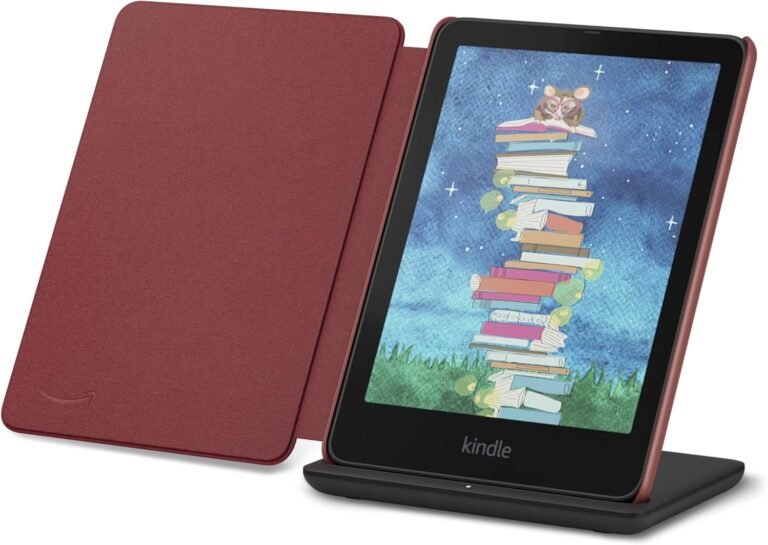
Amazon Kindle Colorsoft Signature Edition Essentials Bundle Review: A Comprehensive Guide for 2026
Explore the Amazon Kindle Colorsoft Signature Edition Essentials Bundle’s features, including the 7″ Colorsoft display, waterproof design, and wireless charging. Discover its…
-
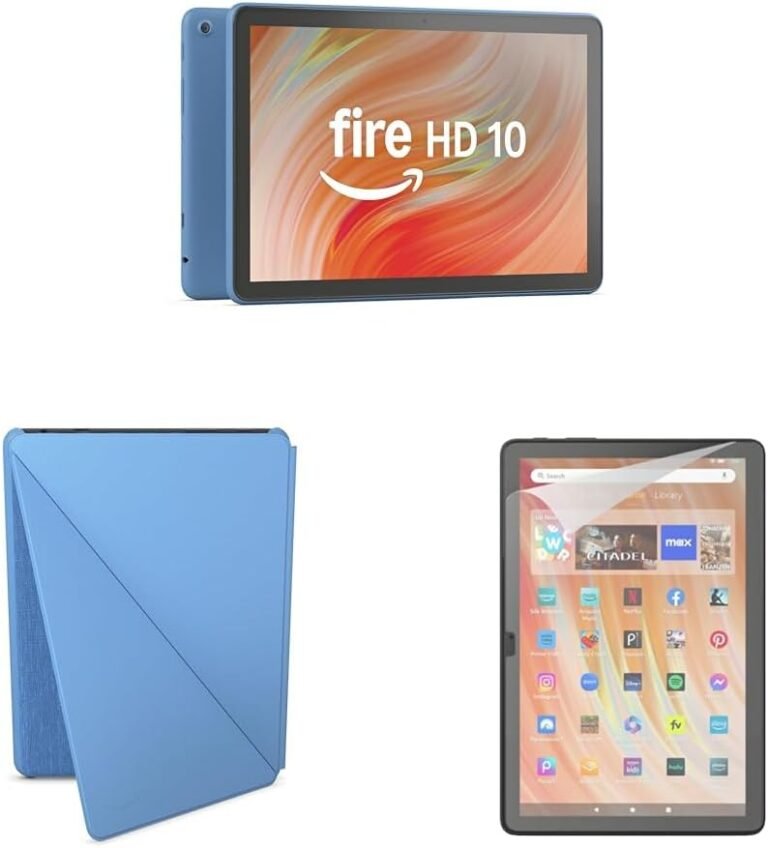
Amazon Fire HD 10 Convenience Bundle: A Comprehensive 2026 Review for Everyday Use
Evaluate the Amazon Fire HD 10 Convenience Bundle with Case and Screen Protector (32GB, Ocean) for performance, display, durability, and ecosystem integration…
-
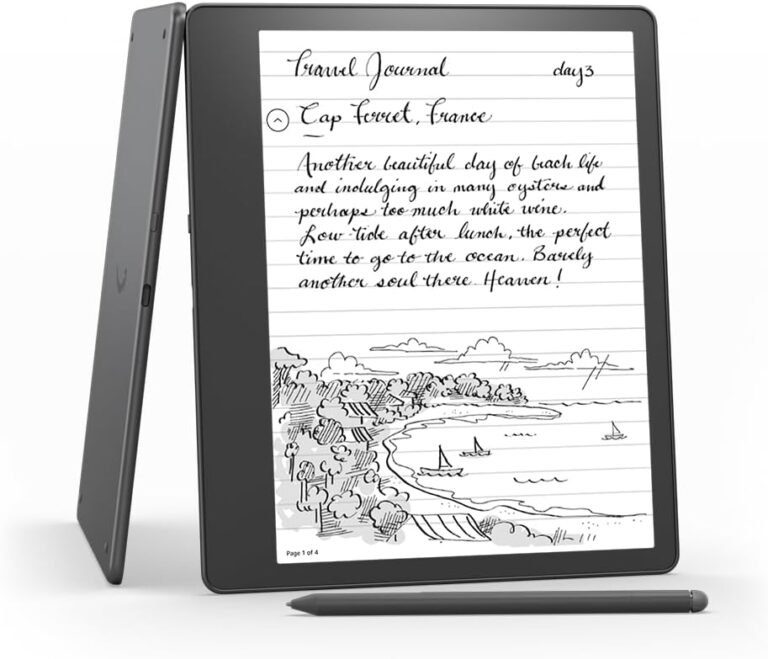
Like-New Amazon Kindle Scribe (16 GB): A Digital Notebook for 2026
Discover the Like-New Amazon Kindle Scribe (16 GB) as a hybrid digital notebook and e-reader. Learn about its 10.2″ display, note-taking features,…
-
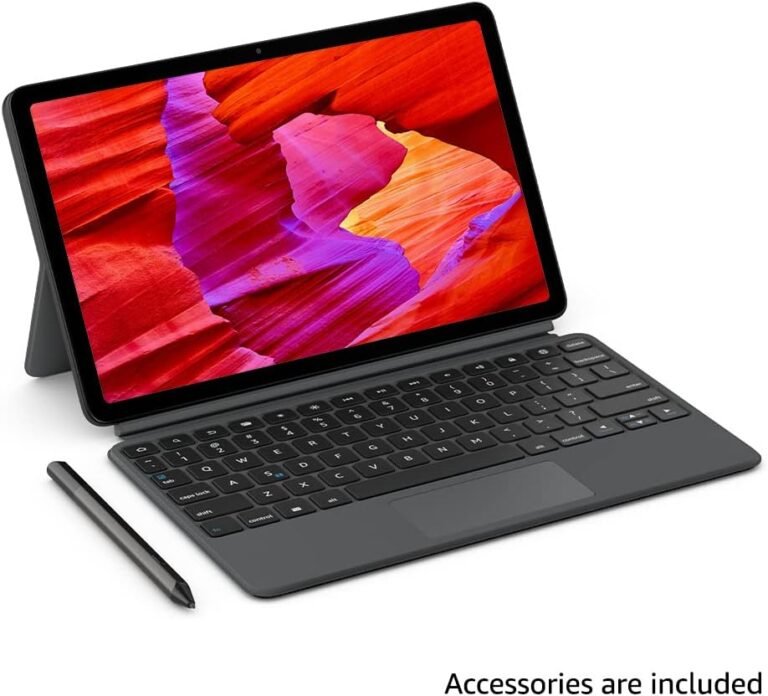
Amazon Fire Max 11 Tablet Productivity Bundle Review: A 2026 Guide to Work, Creativity, and Entertainment
Evaluate the Amazon Fire Max 11 tablet’s performance, ecosystem integration, and usability for 2026. Discover its strengths and limitations for work, creativity,…
-
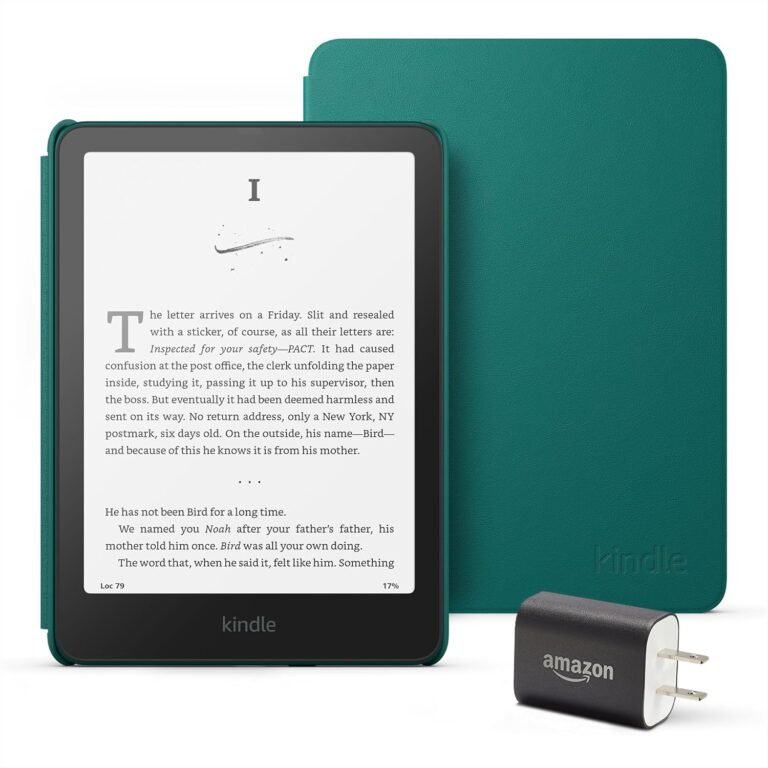
Amazon Kindle Paperwhite Bundle: Features, Compatibility, and Best Use Cases 2026
The Kindle Paperwhite Bundle offers a high-contrast display, waterproof design, and USB-C charging for extended reading. Ideal for travelers and avid readers,…
-
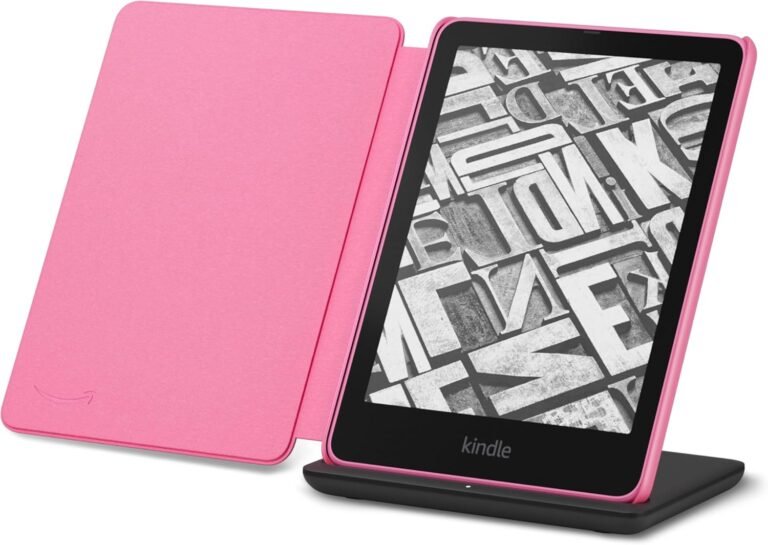
Amazon Kindle Paperwhite Bundle Review: 2026 E-Reader Upgrade for Avid Readers
The Amazon Kindle Paperwhite Bundle includes the Signature Edition 32GB, fabric cover, and wireless charging dock. Discover its high-contrast display, auto-adjusting light,…
-
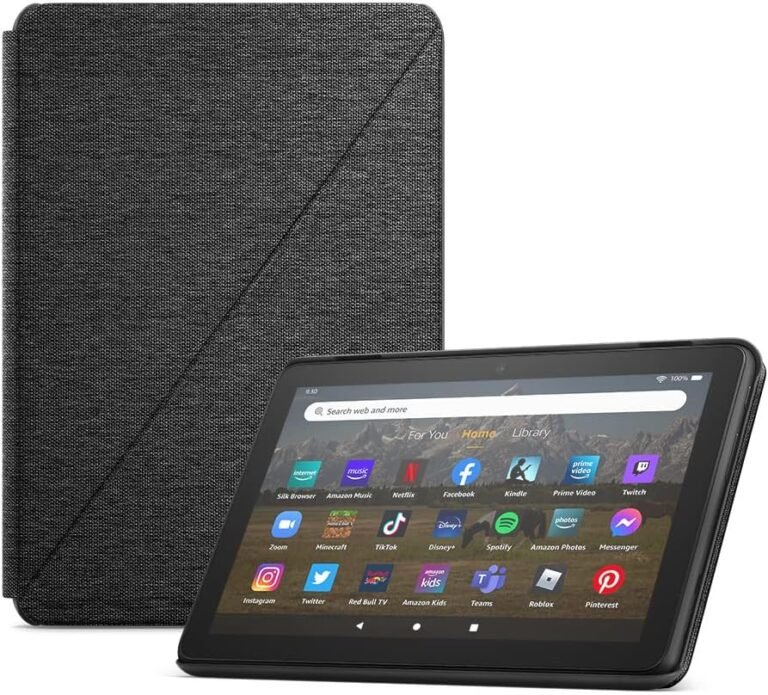
Amazon Fire HD 8 Tablet (32GB Black, 2024) + Standing Cover: A Comprehensive Review for 2026
Evaluate the Amazon Fire HD 8 Tablet (32GB Black, 2024) with built-in stand cover for 2026. Explore its 8″ display, 13-hour battery,…
-
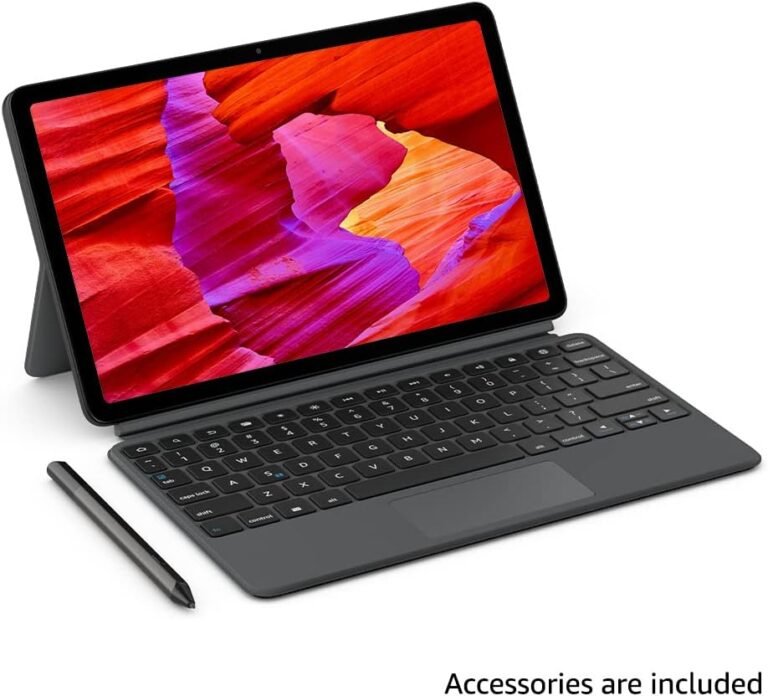
Amazon Fire Max 11 Tablet Productivity Bundle Review: A 2026 Ecosystem Powerhouse
Evaluate the Amazon Fire Max 11 tablet’s performance, design, and ecosystem integration for 2026 users. Discover its productivity features, storage options, and…
-
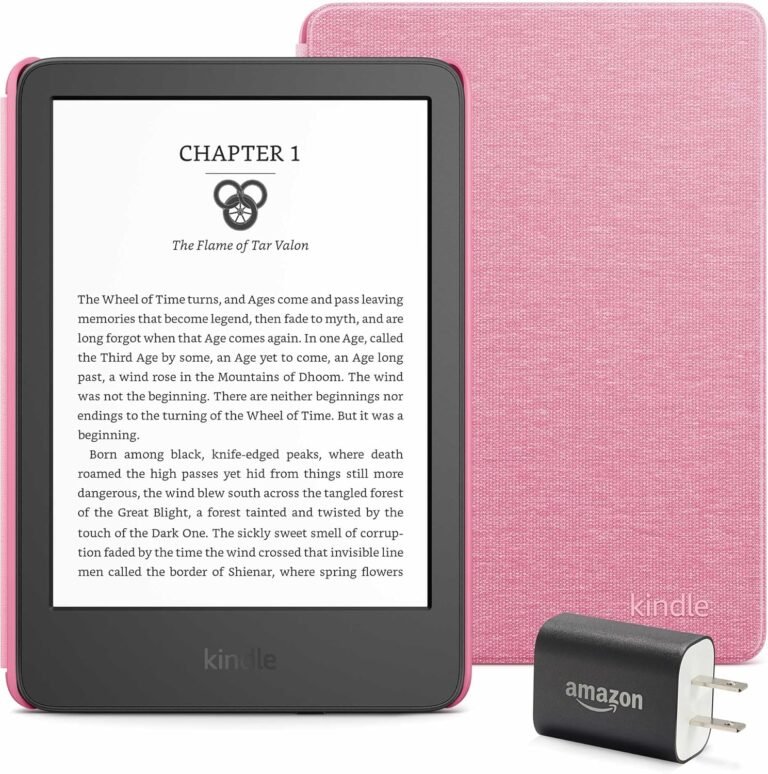
Kindle Essentials Bundle (2024) – A Comprehensive Review for 2026
Explore the Kindle Essentials Bundle (2024) for 2026. Discover its features, battery life, sustainability, and integration with Amazon’s ecosystem. Ideal for readers…
-
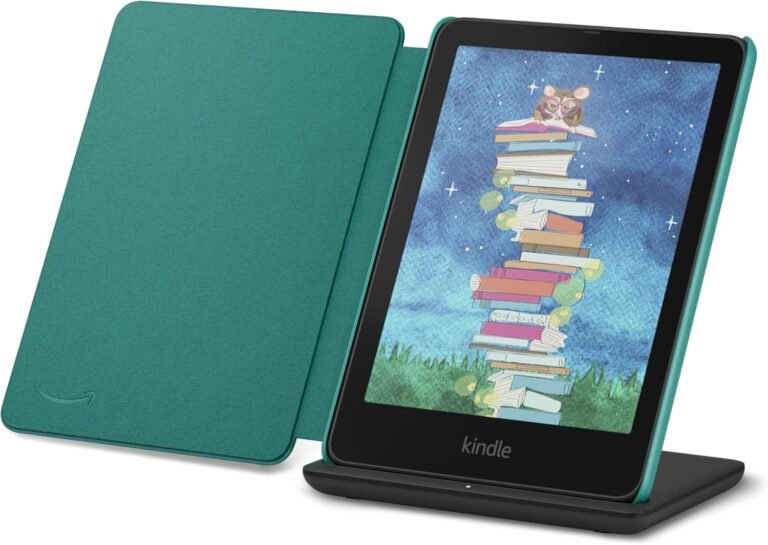
Amazon Kindle Colorsoft Signature Edition Review: 7″ Color Display, 32GB Storage, Waterproof Design
Explore the Kindle Colorsoft Signature Edition Essentials Bundle for its 7″ Colorsoft display, 32GB storage, and waterproof design. Ideal for readers seeking…
-
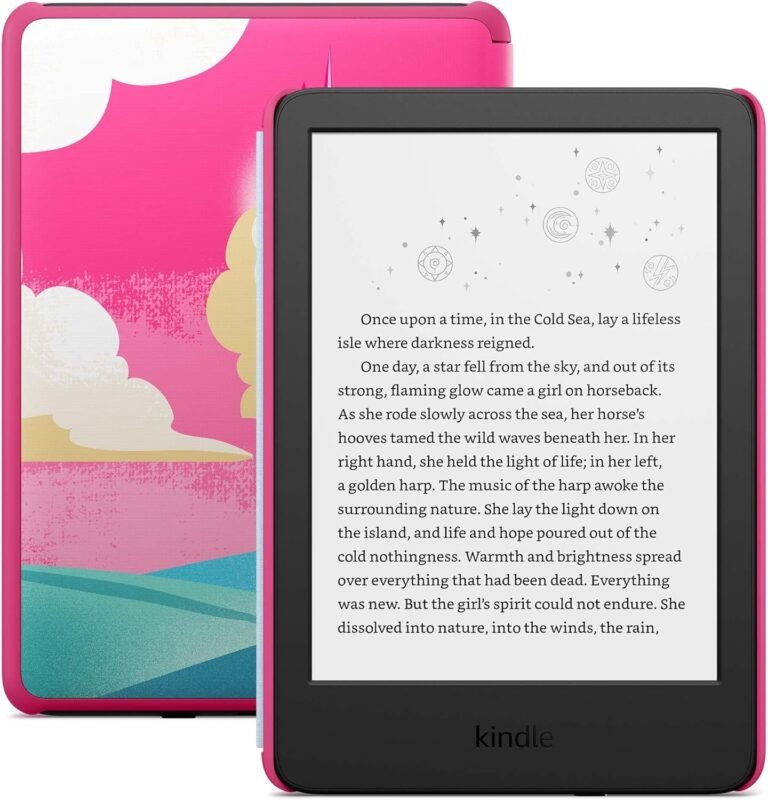
Amazon Kindle Kids 16GB (2026) – A Comprehensive Guide for Parents
The Amazon Kindle Kids 16GB (2026) offers curated content, parental controls, and ecosystem integration for children aged 3-12. Explore its features, pros,…